iMessage
Your family talks to the agent via iMessage — DMs and group chats. iMessage bridges messages to the AI gateway with full read/send support.

iMessage
Your family talks to the agent via iMessage — DMs and group chats. iMessage bridges messages to the AI gateway with full read/send support.
Triage inbox, flag important items, organize messages, and verify sender authentication — all via MCP-connected email providers.
Calendars & Reminders
Native macOS access to Apple Calendar, Reminders, and Contacts via Apple PIM Swift CLIs — no cloud API needed.
Travel
Track flights, manage reservations, coordinate trip logistics, and surface itinerary details on demand.
Packages
Track deliveries across carriers, get status updates, and set vacation holds — all from iMessage.
Security
Three-agent architecture with defense-in-depth tool policies. Each conversation type gets its own security profile.
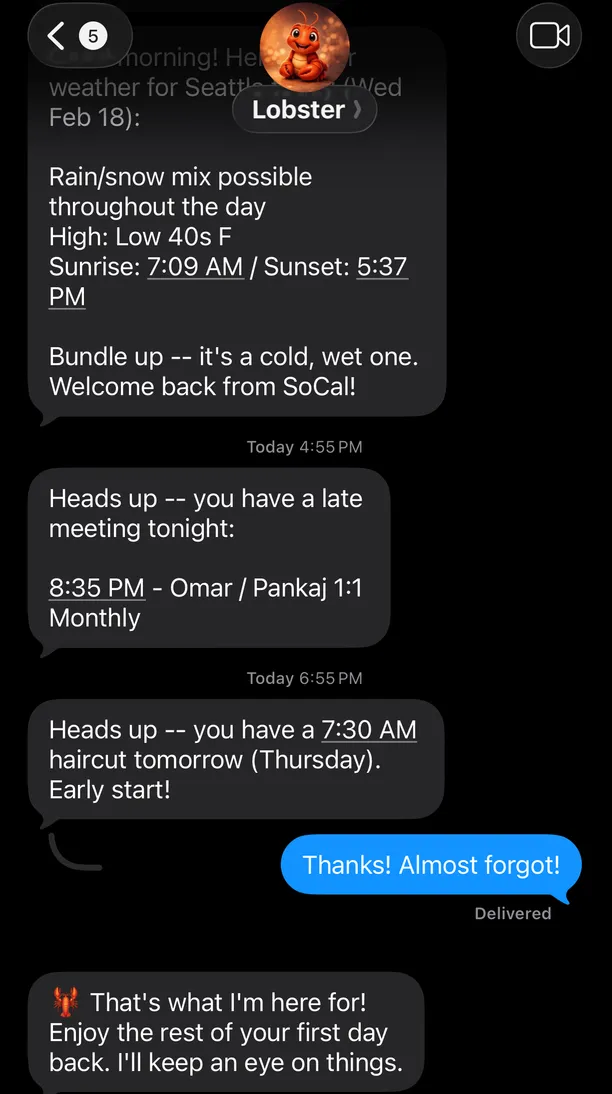
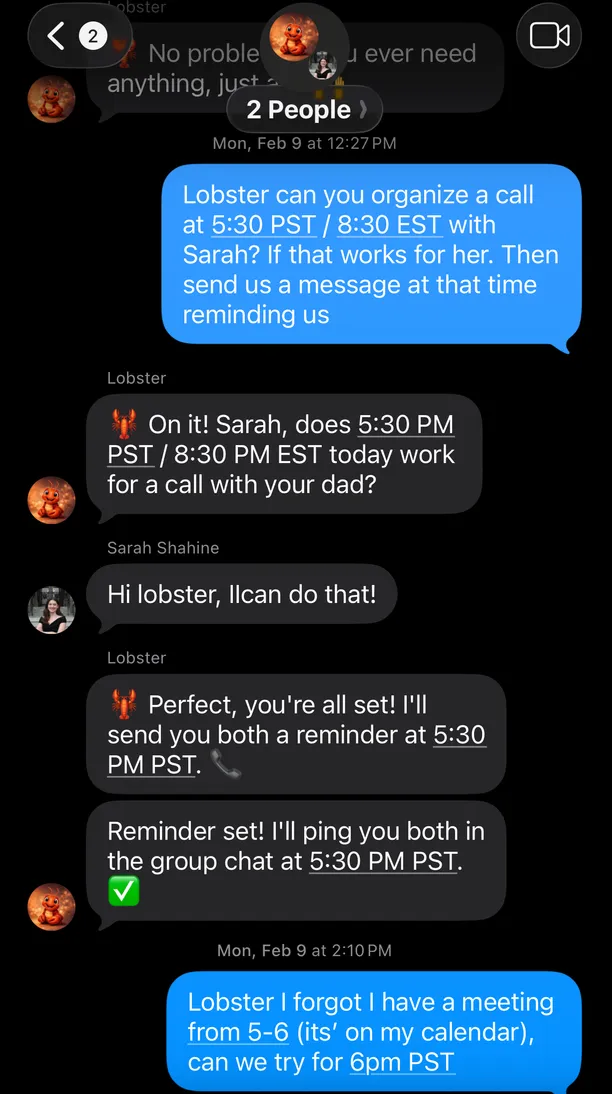
Real iMessage conversations with the agent:
A single OpenClaw gateway runs three agents — each with distinct security profiles and tool access. iMessage bridges iMessage, MCP servers connect external services, and Tailscale provides remote access.
Owner DMs ────> main-agent ──────> Full tool access (email, files, exec)Group Chats ──> group-agent ─────> Restricted (read-only, no exec)Family DMs ───> family-agent ────> Restricted (shared calendars, reminders)Apple PIM Agent Plugin provides native macOS access to EventKit and Contacts via Swift CLI tools:
calendar-cli — Create, query, and manage calendar eventsreminder-cli — Create, complete, and search reminders across shared listscontacts-cli — Look up contacts by name, email, or phoneThese run directly on the host Mac — no cloud API or MCP server needed. On first run, each CLI triggers a macOS TCC permission dialog. You must authorize access while sitting at the Mac so the dialog can display. After approval, agents invoke the CLIs via exec.